Annotate your screen.
Organize your boards.
Let AI |
A native macOS menu bar app for drawing on your screen, organizing reusable whiteboards, and letting AI create diagrams for you. Import saved board documents, clean up diagrams with layout tools, present boards as scenes, recover work with snapshots, and automate board workflows through MCP.
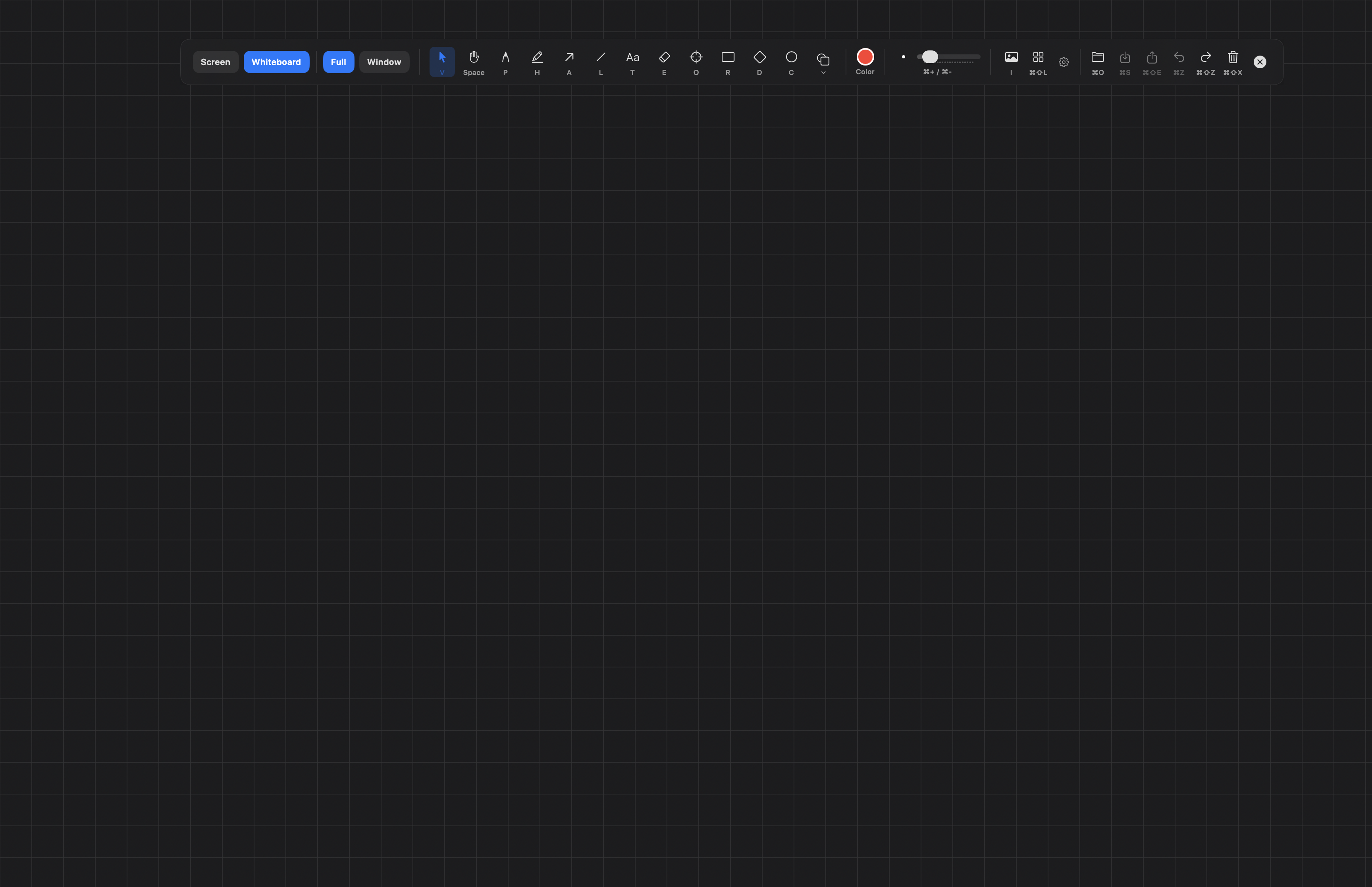
Everything you need to annotate, whiteboard, and present
Draw over any app, keep boards reusable, present scene by scene, and let AI handle both drawing and workflow actions.
Draw on Screen
12 drawing tools and 135+ shapes. Annotate directly on your desktop without leaving what you're doing.
Boards, Layout & History
Import saved boards, organize them in the gallery, clean up diagrams with layout tools, and recover work with per-board snapshots.
AI Workflow Control
MCP lets AI assistants draw diagrams, manage boards, create scenes, run presentations, and work with snapshots using natural language.
Presentation & Scenes
Turn boards into scene-based presentations with transitions, then layer in cursor highlight, spotlight, and keystroke display.
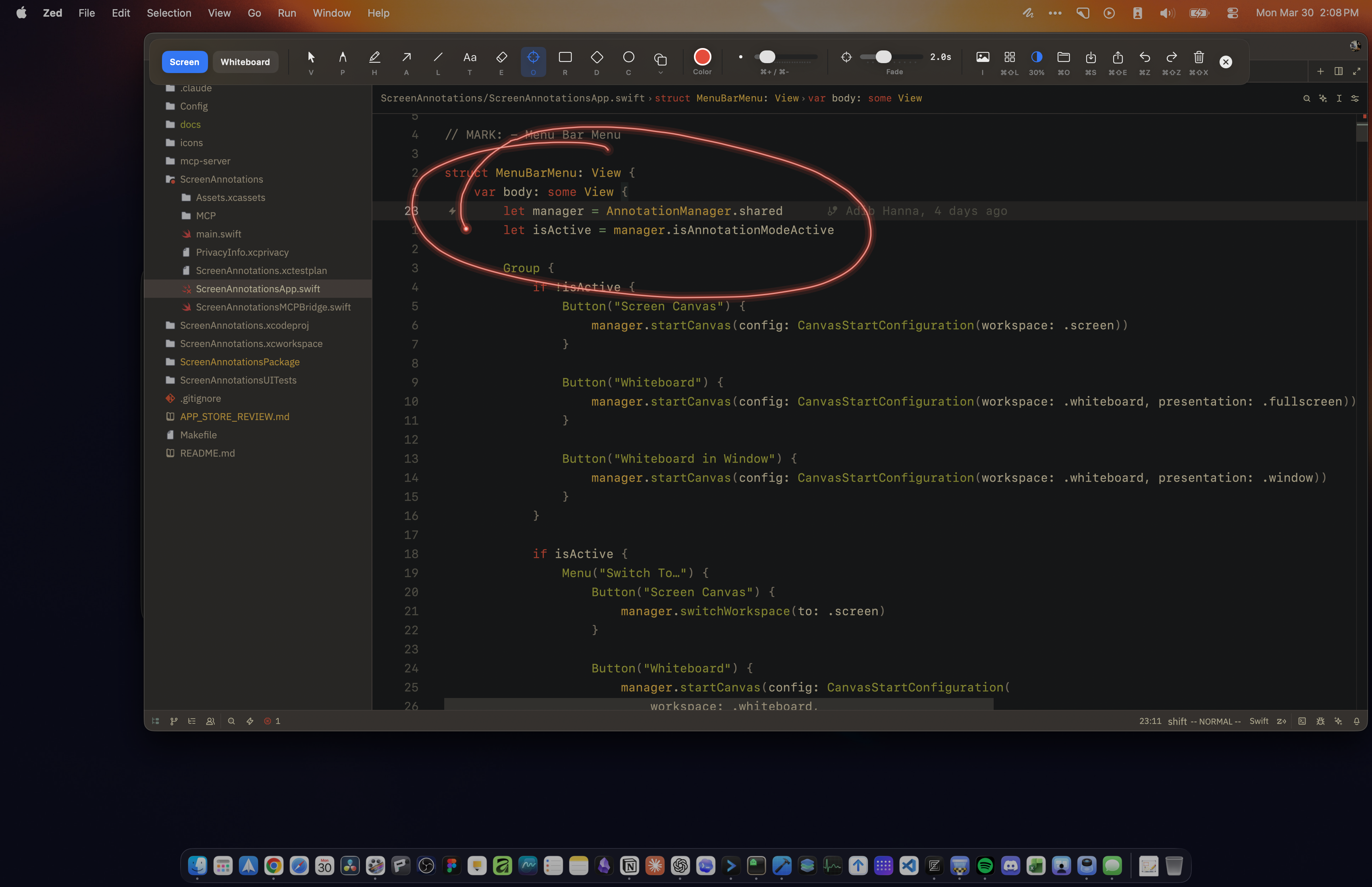
Draw Over Anything
Activate the overlay and draw directly on top of any app, window, or your entire desktop. Whether you're in a meeting, reviewing a design, or recording a tutorial, your annotations sit right on top of whatever you're looking at.
- 12 drawing tools: pen, highlighter, arrows, shapes, text, formula, image, laser pointer, and more
- 135+ built-in shapes across 20 categories, from basic rectangles to circuit diagrams
- Straight, curved, and elbow arrows with smart pathfinding and connection anchors
- 11-color palette with customizable stroke width, fill modes, and separate fill color
A Real Whiteboard Workspace
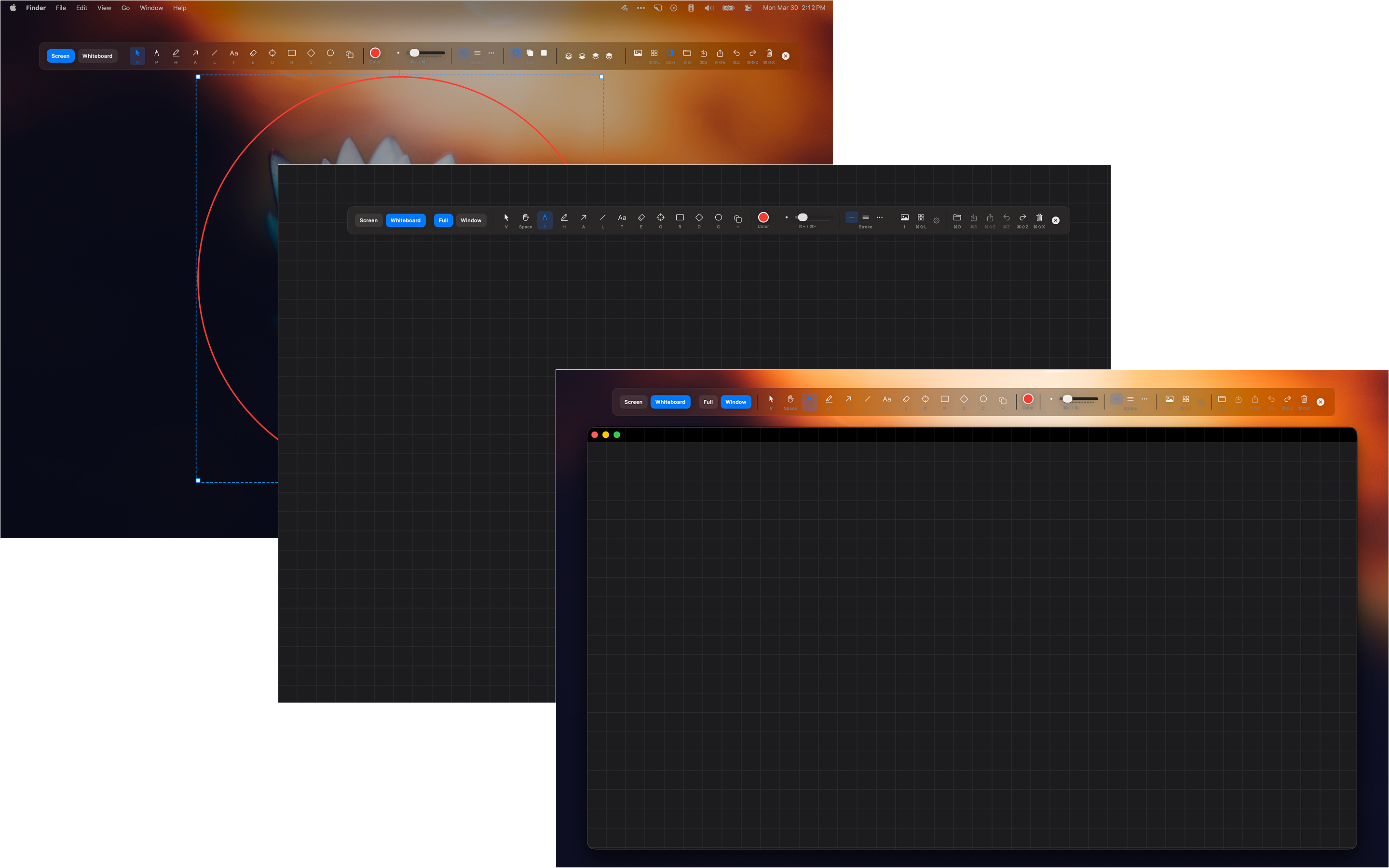
Whiteboard mode now behaves much more like a reusable document tool. Start from the All Boards gallery, import saved .screenannotation files, keep multiple boards open in tabs, clean up layouts quickly, and roll back work through snapshots when needed.
- Import saved board files from the gallery, drag them in from Finder, and reopen them directly as normal boards
- All Boards gallery with grid/list browsing, multi-select, categories, collapsible sections, and tabbed boards
- Align, distribute, arrange rows or columns, and use graph-aware Flow and Tree layout while connected arrows stay attached
- Manual and automatic snapshots let you restore earlier states, create recovery points, and duplicate a snapshot as a new board
- Build richer boards with sticky notes, editable tables, link preview cards, and three canvas modes for overlay, fullscreen, or windowed work
AI-Powered Annotations
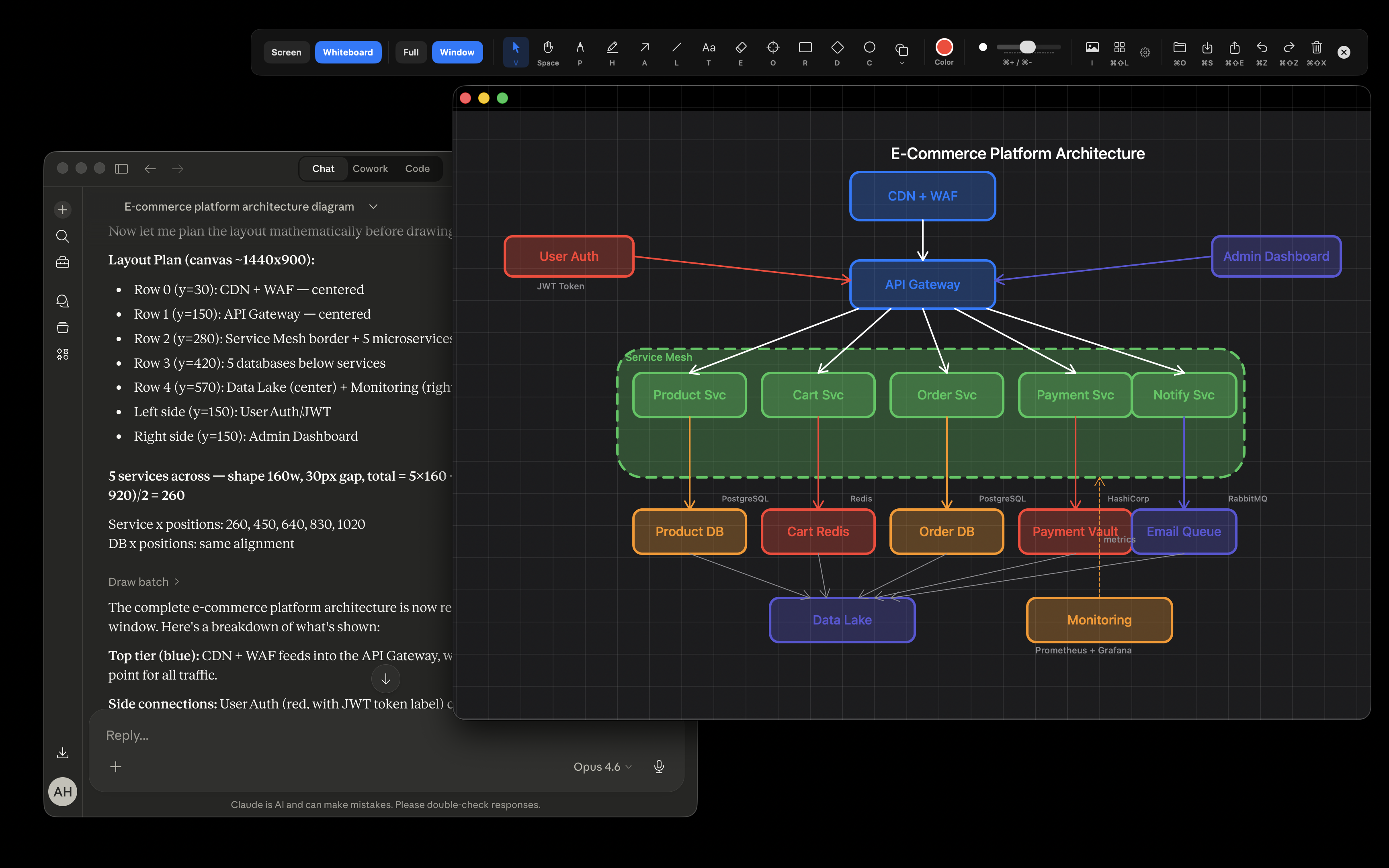
This is the first screen annotation app with MCP support. Connect Claude Code, Claude Desktop, Cursor, or Codex and just tell it what to draw or manage. The AI can still see your screen and place precise annotations, but it can also work with boards, scenes, presentations, and snapshots as first-class workflow actions.
- MCP now covers drawing plus board creation, scene management, presentation controls, and snapshot workflows
- AI can take a screenshot, understand your desktop, and place annotations or diagrams at precise coordinates
- All 135+ shapes stay available to AI with full configuration support, including STEM diagrams and batch drawing
- HTTP and stdio transports, plus compatibility aliases, make the MCP surface easier to use across different clients
Present Boards Like Scenes
Recording a tutorial or presenting live? Turn a board into a scene-based presentation, then layer cursor, spotlight, and keystroke tools on top so your audience always knows where to look.
- Create scenes from the current view or current selection, then move through them from the toolbar or keyboard shortcuts
- Scene Manager gives you thumbnails, reordering, duplication, multi-delete, updates, and transitions like Fade and Dip to Black
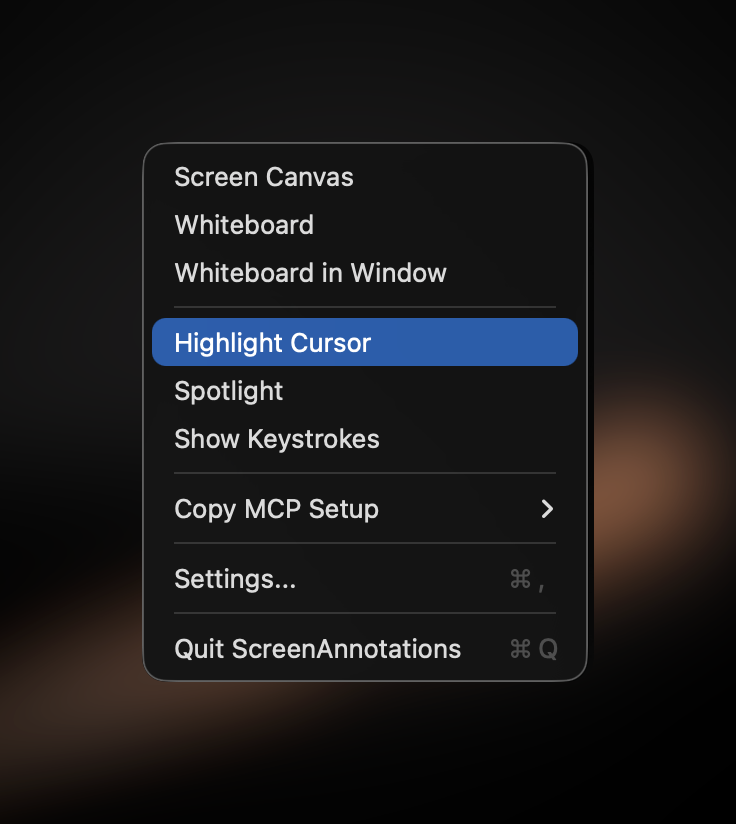
- Cursor highlight, spotlight, and keystroke display still support live demos, tutorials, and on-screen teaching
- Stop presentation and return cleanly to editing at 100% zoom, then toggle the rest from the menu bar or global hotkeys
STEM Academic Shapes
Over 50 academic shapes built specifically for math, physics, electronics, and science. Place a coordinate plane, wire up a circuit, or set up lab equipment right on your screen. Each shape comes with a floating inspector panel where you can configure axis ranges, labels, expressions, and more.
- Math shapes like coordinate planes, function plots, fraction bars, matrices, and 3D vectors
- 21 electronics components: diodes, transistors, op-amps, ICs, transformers, and more
- Expression evaluation: fraction bars compute results, angle arcs show sin/cos/tan, 9 matrix operations
- LaTeX formula rendering with real-time preview and function plotting with discontinuity detection
135+ Shapes in 20 Categories
Whether you're teaching, building software, or presenting ideas, there's a shape for it.
Basic & Flowchart
11 basic shapes and 18 flowchart shapes. Rectangles, circles, stars, speech bubbles, pills, cylinders, clouds, and everything you need for wireframes and process diagrams.
Architecture & Computer Science
Servers, databases, browsers, APIs, load balancers, Kubernetes pods, firewalls, CDNs, and more. Plus UML class diagrams, binary trees, linked lists, and graph nodes for CS diagrams.
Math, Physics & Electronics
Coordinate planes, function plots, fraction bars, matrices, vectors, and protractors. 16 physics shapes plus 21 electronics components including diodes, transistors, op-amps, and ICs.
Science & Lab Equipment
Beakers, flasks, test tubes, burners, microscopes, rulers, and observation panels. Everything you need for science instruction and lab documentation.
Keyboard-First Design
Every tool is one key press away. No modifier keys, no menus to dig through.
Ready to annotate?
Download Screen Annotations from the Mac App Store. No cloud, no analytics, no account required.